Introduction: Don’t Let the Moments Fade
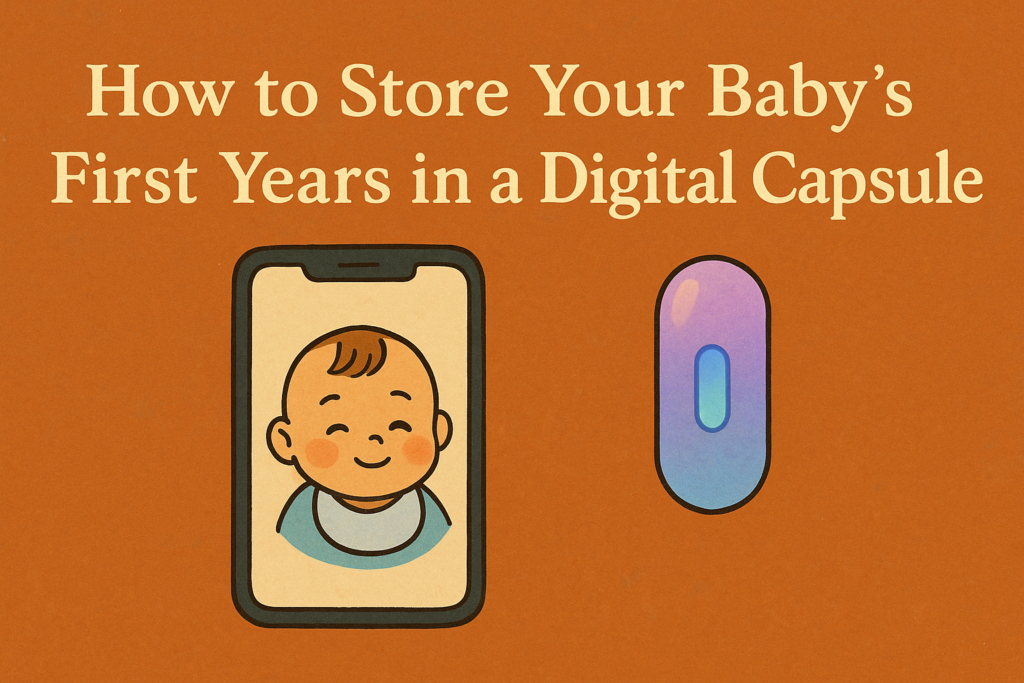
The baby years go by in a blur; those first giggles, tiny hands, and sleepy cuddles vanish faster than we expect. Photos and videos help, but they often get lost in camera rolls or scattered across devices. That’s why more and more parents are turning to digital time capsules: a secure, organised, and heartfelt way to preserve your child’s earliest years for the future.
In this guide, we’ll show you how to create a meaningful digital capsule using Time Lock, so you can store and relive your baby’s milestones when they matter most, years down the line.
Why Use a Digital Time Capsule?
Traditional baby books are beautiful, but they’re fragile, static, and easy to misplace. A digital time capsule, by contrast, offers:
Convenience: Upload media in real time from your phone.
Security: Safely encrypted and backed up in the cloud.
Longevity: Choose an unlock date, like their 18th birthday, for a surprise they’ll never forget.
Emotional Impact: Capture moments with intention, not just as content.
What to Include in Your Baby’s Capsule
Here’s a breakdown of the most meaningful things to preserve, broken down by type:
Photos & Videos
- First bath, first smile, first steps
- Monthly growth progress shots
- Videos of their laugh, crawl, or early babbles
- Clips of you reading to them or singing lullabies
Letters & Voice Notes
- A letter from mum or dad on the day of their birth
- Voice recordings of you talking to them as a newborn
- Reflections at 6 months, 1 year, and beyond
- A letter describing what the world is like today
Keepsakes & Memories
- Photos of their first outfit or shoes
- A scan or snapshot of their hospital bracelet
- Screenshots of loving texts or messages from family
- Favourite lullabies or playlist of songs from their baby years
Context from the World
- News headlines from their birthdate
- Trends or memes of the year
- Prices of basic items (milk, nappies, petrol)
- A family tree or ancestry snapshot
When to Add to the Capsule
A good habit is to make capsule updates at key moments:
- On birthdays
- After milestones (first tooth, first word, first day at nursery)
- During holidays or family gatherings
- When you feel an emotional moment worth saving
Set reminders in your calendar, or make it part of a monthly ritual.
Who Is the Capsule For?
While many parents create it for their child to open one day, you can also make:
- A capsule just for you, as a parent
- One to share with grandparents or godparents
- A shared capsule with your partner, memories from both perspectives
- A sibling capsule if you have multiple children
Why TimeLock Is Perfect for Baby Capsules
Time Lock was built for memories with meaning. Here’s why it works so well:
- Media versatility: Upload images, video, audio, and text in one place
- Unlock scheduling: Set specific dates in the future, like their 16th or 21st birthday
- Privacy and control: You decide who gets access and when
- Collaborative options: Let partners or family contribute their own moments
Whether you’re a first-time parent or growing your family, TimeLock lets you turn fleeting moments into a future gift, not just storage.
Imagine the Reveal
Picture this:
It’s your child’s 18th birthday. You hand them a capsule full of memories, they can’t recall their baby laugh, the playlist you sang them to sleep with, your letters through the years. That’s not just a digital file. That’s emotional time travel.
Final Thoughts: This Is How Legacies Begin
In a world of disposable content, Time Lock lets you create something permanent. Something personal. Something powerful.
By preserving your baby’s first years in a digital time capsule, you’re doing more than archiving files; you’re crafting a story they’ll one day treasure.
Start today. The moments are already slipping by.
Related Blog Posts to Explore
- Digital Time Capsule vs Physical: Which One Is Better?
- Digital Time Capsules: The Future of Memory Keeping
- Digital Will: How to Leave Capsules Behind After You’re Gone
- Why You Should Make a Travel Capsule Instead of a Souvenir Box
Join us on the mission.